
API Overview
Getting started with the Atlas API
The Atlas API powers AI voice campaigns, SMS/web chat, payments, and customer management.
Base URL
All endpoints use the base URL:
Authentication
All API requests require an api-key header:
Obtaining an API Key
- Log in to the Atlas Portal
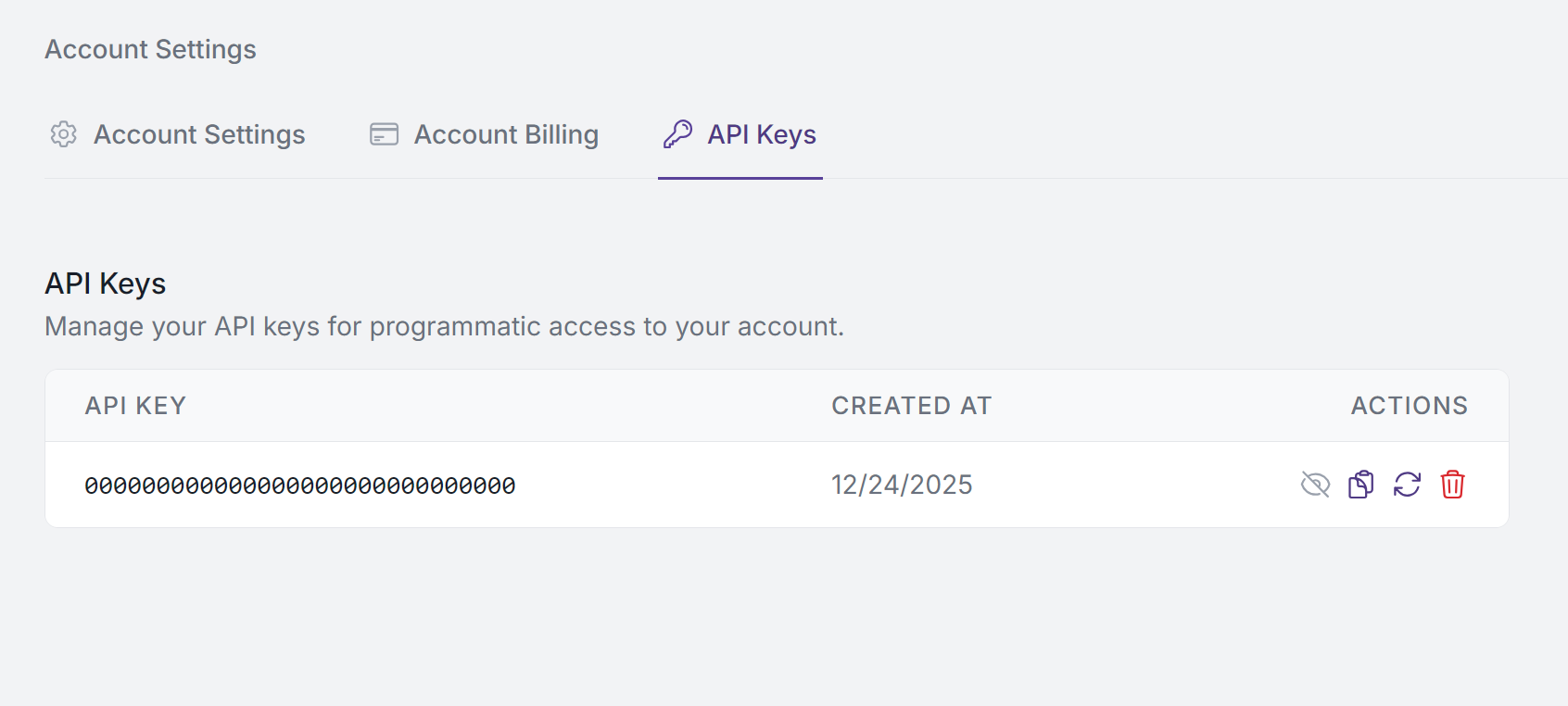
- Navigate to Settings > API Keys
- Click Create New Key
- Copy the key — it will only be shown once
The Atlas Portal currently limits you to one active API key. If you need to rotate your key, delete the existing one first, then create a new one.
Example Request
Scope
An API key grants access to all campaigns, call records, and knowledge base files within your Atlas account. There is currently no per-campaign key scoping. Keep your key secure and rotate it immediately if exposed.
Managing Your Keys
From the Atlas Portal under Settings > API Keys, you can:
- View your API key anytime
- Copy your key to the clipboard
- Regenerate your key if compromised
- Delete your key when no longer needed
Security Best Practices
- Never share your API key publicly
- Store keys securely using environment variables or secret management systems
- Rotate keys periodically if compromised
- Delete unused keys immediately
Error Handling
The API returns standard HTTP status codes:
Error responses follow this format: