
GHL Triggers and Actions
Create automations with GoHighLevel
Overview
This guide explains how to create automations with GoHighLevel.
Available Triggers and Actions
Triggers
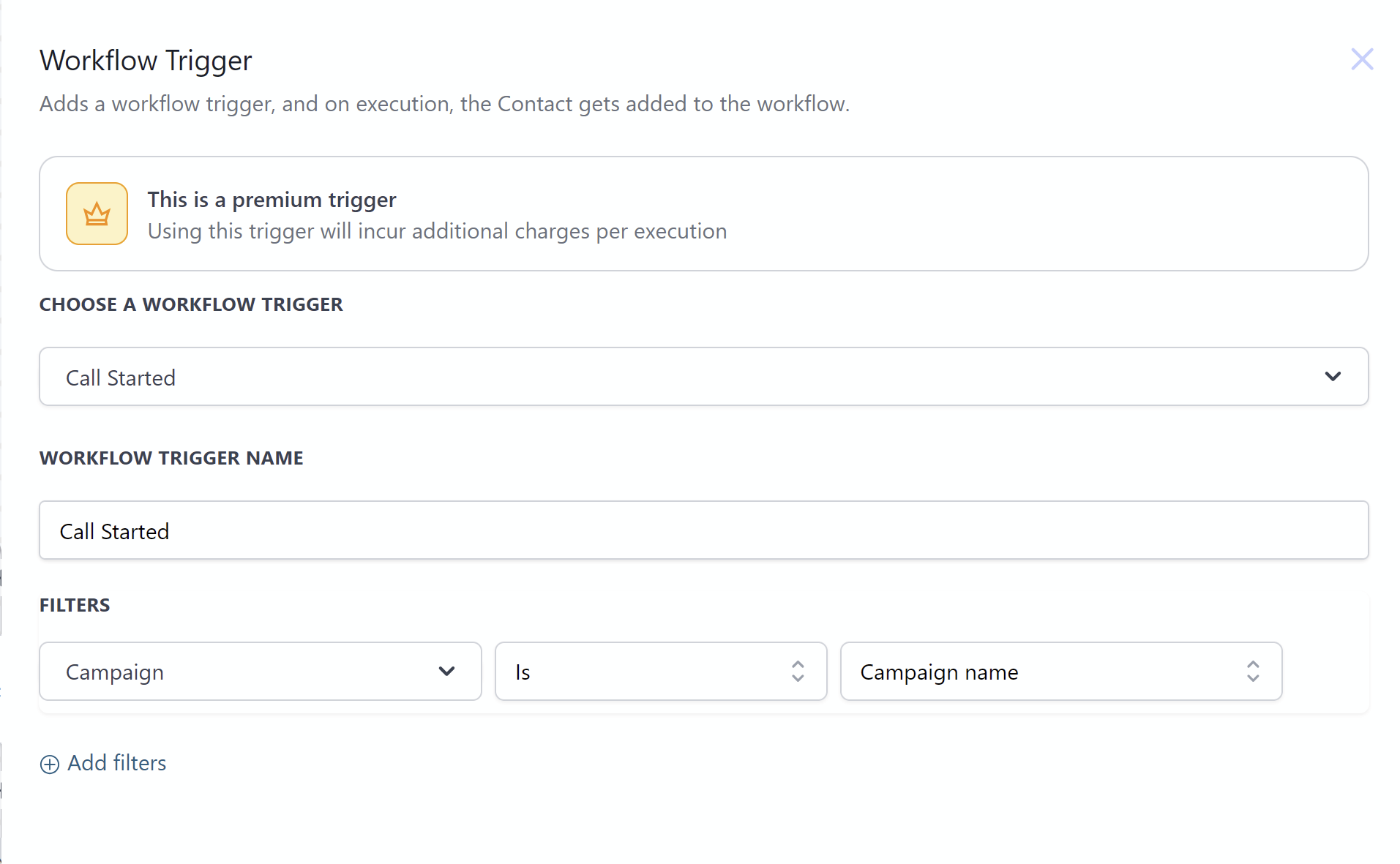
Call Started
This trigger activates when a call starts. When configuring, you must select:
- Campaign (choose from available campaigns)
Output Data:
- Campaign Id
- Agent Id
- Call Id
- Customer Number
- Customer Name
- Campaign Name
- Agent Name
Use Cases:
- Send notifications based on call states
- Store call data in databases
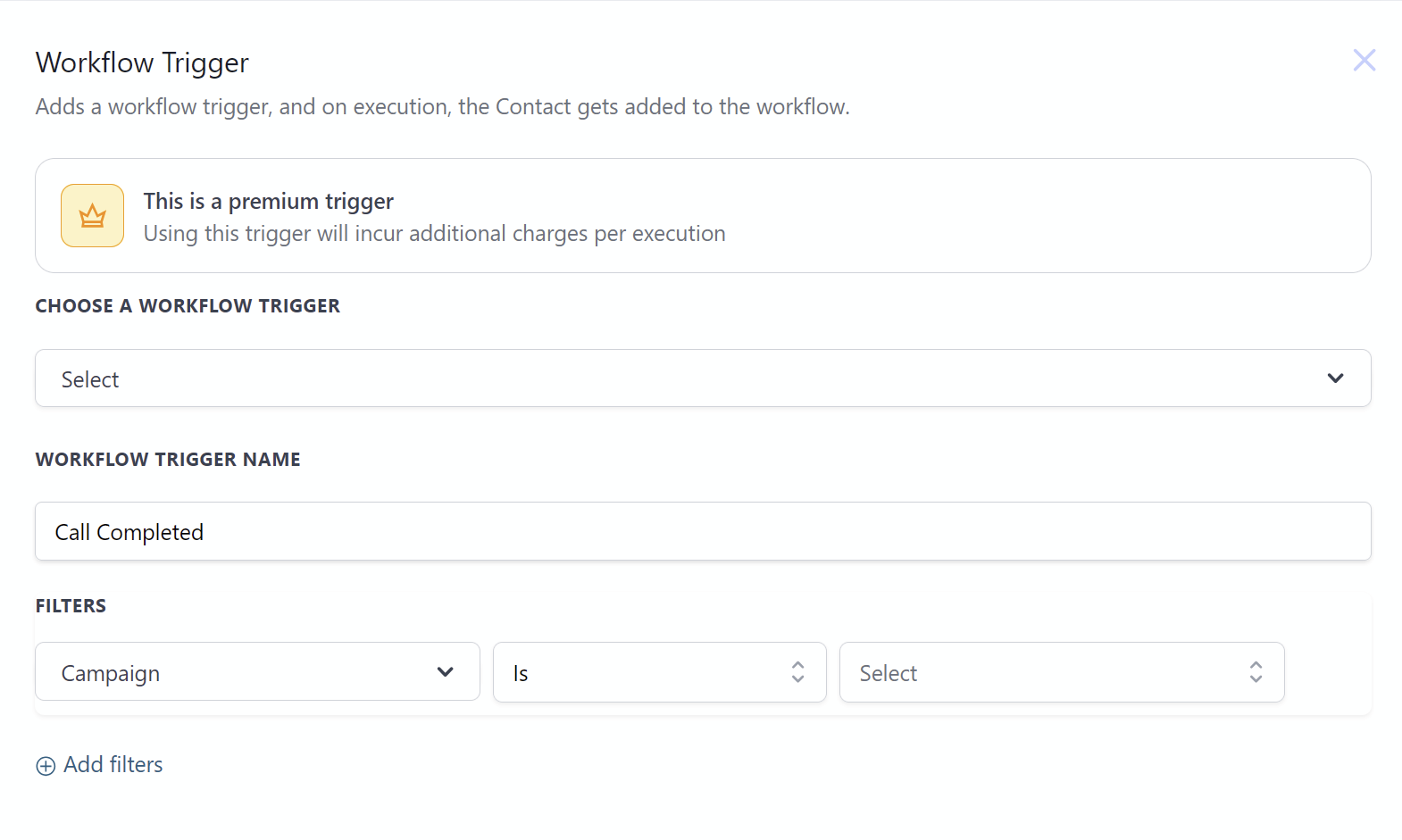
Call Completed
This trigger activates when a call finishes. When configuring, you must select:
- Campaign (choose from available campaigns)
Output Data:
- Campaign Id
- Agent Id
- Call Id
- Customer Number
- Customer Name
- Campaign Name
- Agent Name
- Campaign Type (outbound | inbound | voice-bubble)
- Call Summary
- Ended At
- Started At
- Duration Ms
- Duration Seconds
- Duration Minutes
- Call Transcript
- Audio Url
Use Cases:
- Record call details to external systems
- Send notifications based on call states
- Trigger follow-up workflows based on call outcomes
Actions
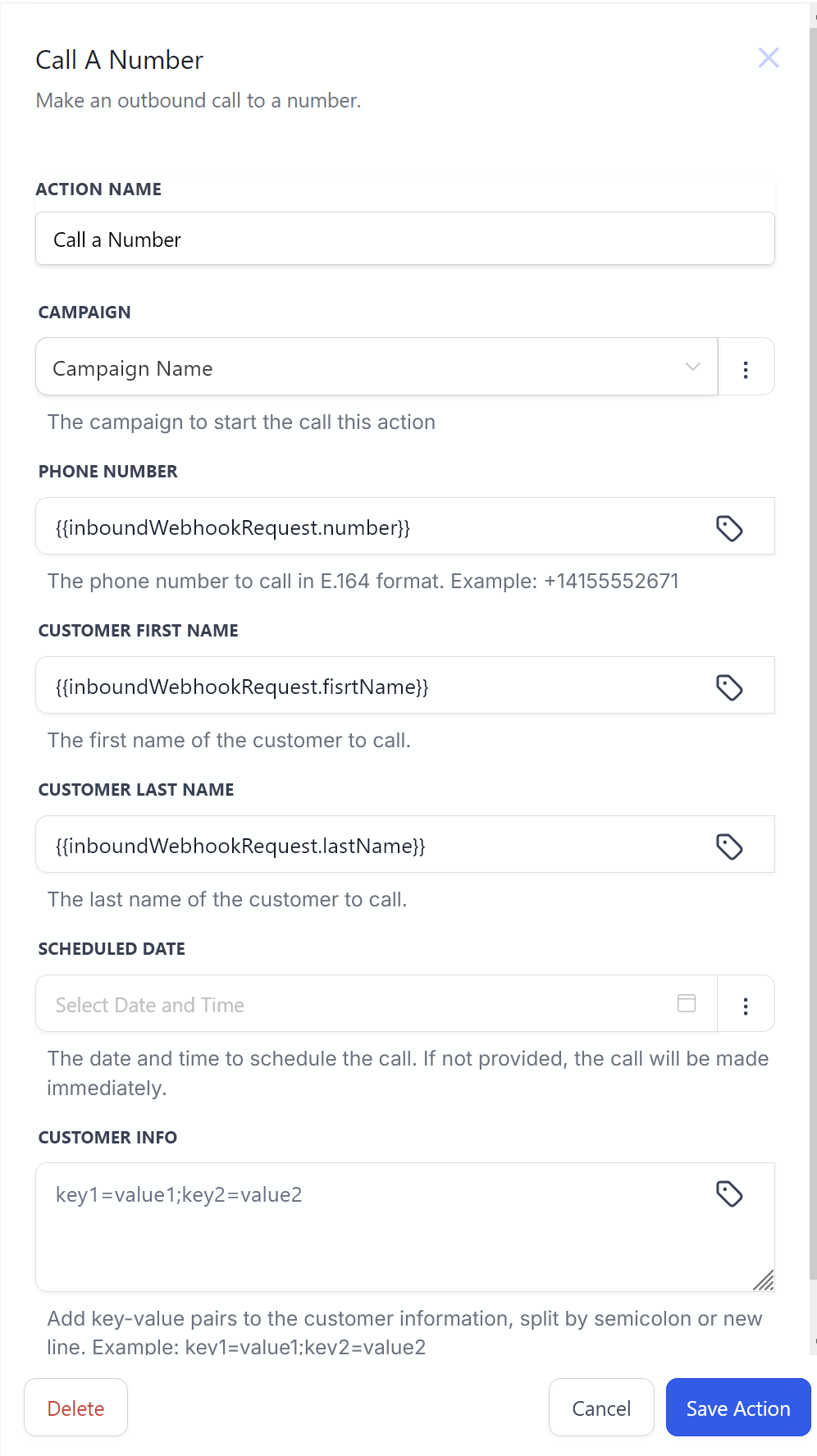
Call a Number
Initiates an outbound call from a campaign.
Parameters:
- Campaign (select from available campaigns)
- Phone Number (target number to call)
- Customer First Name
- Customer Last Name
- Scheduled Date (optional - if not provided, call starts immediately)
- Customer Info (extra parameters)
Use Cases:
- Schedule follow-up calls based on form submissions
- Initiate calls when specific events occur
- Set up automated call sequences
For more advanced workflows, consider combining multiple triggers and actions or incorporating data transformation steps between modules.